Access is a human right and disabled young people have the right to access their physical environments, transport, information and communications, technology and the internet.
Unfortunately, there are barriers in society which mean that often these spaces aren’t accessible for everyone. This guide will give you some tips and tricks on creating accessible spaces, things to consider and how you can best support disabled young people.
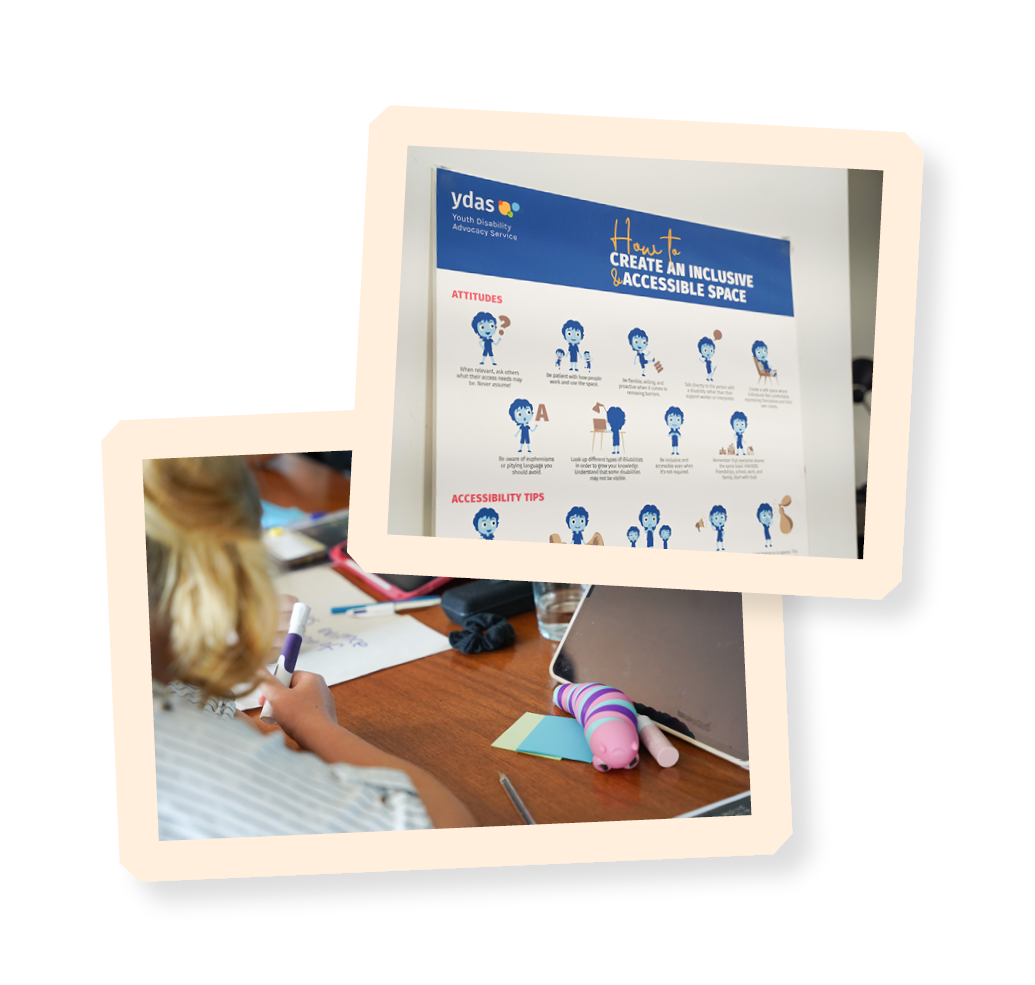
YACVic acknowledges the incredible work of Youth Disability Advocacy Service (YDAS), They are leaders in this space, and we encourage you to check out their resources. We particularly recommend their ‘Together Training’ on access and inclusion.
When planning an event, program or meeting, a good first step is figuring out what you want to achieve. Are you trying to gather information, data and stories? Is it about providing a place for people to come and relax and feel connected?
Once you've got this figured out, you can work out how best to get the answers you’re seeking, and that’s where accessibility comes in. You want to give everyone an opportunity to contribute and participate in whatever way works for them.
Start thinking about what activities you want, where the meeting or event will be and ask yourself, is it accessible?
A Statement of Commitment is a public statement that outlines how you intend or promise to act. You can create a statement about how you are accessible and inclusive for all young people and draw focus to those from marginalised communities such as disabled young people.
-
The statement should be visible, informative and include information on how you’ll be accountable. You can use your statement in program or event promo and display it at the event or during the program. You can also have a statement for trainings, meetings or consultations.
-
The statement should be available in different formats, including written, visual and verbal. For example, you might have a published statement online, a poster in a venue’s window or a verbal conversation between two people. This just makes sure that it’s accessible to everyone.
-
Your statement can be created as a team and should also include leadership. That way, the whole organisation can better understand their responsibilities and commitments to disabled young people.
Please note, this table isn’t a complete list and people’s access needs often go beyond what’s listed, as well as be highly variable.
Remember, it’s best practice to ask someone about their access needs. Asking about a disabled person’s access needs centres their agency, and asking someone is a lot better than assuming.
-
When you ask questions, think about:
-
What you’re trying to learn
-
How important the question is (responsibility vs. curiosity)
-
Whether you really need to know.
With these in mind, focus on the person’s access needs rather than asking them about their disability – in some situations it may be inappropriate to ask about someone’s disability. Think about the context you’re in and what you’re trying to find out and why.


An important part of access to consider is dignity of access. This makes sure that spaces aren’t just accessible for disabled people, but that they are treated with the same dignity as able-bodied people.
For example, if the accessible wheelchair ramp is around the back of the venue by the bins, the person using the wheelchair doesn’t share the same rights and dignity as those who can enter the venue from the front, away from rubbish and the storeroom etc.
Another example would be if you suggested that someone join a meeting online because the space has lighting that’s too bright for them. This means the rest of the group will take part in-person and one person will be participating online. A better solution would be to turn the main lights off and use lamps instead, so that everyone can participate in the same room.
Ensuring dignity in access can make you realise that what seems like the obvious technical solution isn’t always the best for option for a disabled person.
If someone attending your meeting or event needs an Auslan interpreter, there's some things to be mindful of including:
-
Speaking to the person you are engaging with, not the interpreter.
-
In a group setting, saying your name before you speak so it’s easier for the interpreter to relay the conversation. For example, say ‘Jess speaking….’ before starting the rest of your sentence. You should also let all participants know to do this at the start of the meeting or event and then remind them throughout.
Another important thing to think about is pronouns. Pronouns don’t actually exist in Auslan. It’s important for both the meeting organiser and interpreters to be aware of this beforehand and put steps in place to address it.
This could be things like making sure everyone uses pronouns in their Zoom icons (if your event is online), which can help everyone avoid mis-gendering.
If you’re organising a meeting or event, you should also be aware of everyone’s pronouns so you can help correct pronouns if needed.
If interpreters aren’t sure of a person’s pronouns, there’s a couple of things you can let them know to do:
-
If you’re meeting online, find the person’s name in the Zoom participant list or on their Zoom icon. Their pronouns should be listed here next to their name.
-
Default to they/them pronouns if you cannot find someone’s pronouns. This is a gender-neutral and inclusive way of talking about people.
The COVID-19 pandemic and its ongoing impacts transformed the way that we work, live, attend events and catch up with friends and family.
Overnight our lives shifted online, a move disability advocates had been calling for long before the pandemic. This shift to online has brought many benefits for accessibility, but it's important to remember that there are considerations that need to be made when meeting online.
If you’re planning an online event, have a think about the following:
-
Have more breaks than you normally would. People can experience screen fatigue from spending so much time online.
-
Some people might prefer to keep their cameras off for access reasons – if you need to, ask them just to let you know they’re still participating through private message.
-
The chat function in online video meetings is great because many people like interacting there using, but it's not accessible for everyone. Remember to let people know they can either use the chat or speak out loud to the group. Make sure someone is responsible for reading out the chat every now and again. This ensures that those who may not be reading the chat can still be included in the discussion. Remember, this doesn’t just apply to important information, but also includes informal chat people might be having.
-
Automatic captions on Zoom and Microsoft Teams aren’t always accurate. A better alternative may be to hire live captioners.
-
Let participants know that they can pin a speaker to their screen.
-
Be aware of ‘spotlighting’ and ‘pinning’ on zoom. ‘Spotlighting’ is done by the host and changes the main speaker for everyone. This can become a problem if someone uses an interpreter as they will need to pin the interpreter for themselves. Alternatively, the host can ‘spotlight’ multiple people making sure to include the interpreter. By default, only the host or co-host on a zoom call can use the multi-pin feature. However, they can allow individual participants to use multi-pin on their own screens.
-
Encourage everyone in the meeting to put their name and pronouns in their online ‘name’ so everyone can be easily identified.
Sometimes access requirements will come up that you weren’t expecting. Maybe you aren’t aware of them but also, maybe the person won’t be aware of them themselves until they start an activity or arrive at the event. That’s why a key part of being accessible is being flexible.
When this happens during an event, program or meeting, the best thing to do is call a break while you chat through the options and come up with an alternative or solution.
Below are some scenarios you may come across when working with young people.
Student forums
You're holding a student forum about what you want the school to improve on over the next few years. Some topics include gender neutral bathrooms, uniform requirements, and extracurricular activities. You know that there are some students who use wheelchairs, so you make sure the room for the forum has ramp access and is large enough for those students to comfortably move around. You think of all the activities and have multiple ways for your peers to be engaged and contribute.
It’s going to be a large and interactive event and everything seems like it’s going to plan. However, a few days before the forum some students come to you and let you know they’re feeling nervous about the forum because they have social anxiety in large crowds and are sensitive to noise and certain lighting.
You work with them to find out what would make it easier for them to attend, come up with suggestions and agree on a solution. You decide there should be a quiet room available (one next to the forum) for students to access if they need a break or to work privately. It will have low noise levels and dim lighting to create a relaxing atmosphere.
Online consultations
You are running an online consultation with young people about housing and homelessness in Victoria. A young person lets you know that they prefer to keep their camera off for access reasons. This is a common access request, but they should also know that it’s your job to keep them safe and make sure they’re alright.
You let them know that this is OK, and ask them to let you know they are still there or if they are stepping away for a moment by sending a message either the group chat or privately to you.
This scenario might not always occur in formal settings like meetings. You might also have this experience when talking to friends online or with family who don’t live near you.
We might not be able to address everyone’s access needs all the time, but it doesn’t mean we shouldn’t try. Do your best, ask questions and be creative.
It’s about everyone being able to take part in the activity, meeting, event, program, in whatever way works for them.
“Accessibility is ensuring everyone reaches the same destination, just with slightly different journeys. And each journey must have dignity.”
–Simon Green, Programs Manager at Youth Disability Advocacy Service
-
Department of Economic and Social Affairs Disability. (2006). Article 9 – Accessibility. https://www.un.org/development/desa/disabilities/convention-on-the-rights-of-persons-with-disabilities/article-9-accessibility.html
-
Youth Disability Advocacy Service. (2023). Planning Accessible Events and Activities. https://www.yacvic.org.au/ydas/resources-and-training/together-2/actions/planning-accessible-events-and-activities/